
Monday, May 23, 2011


Wednesday, May 11, 2011
photo aging

i took a photo of an old car then i put some fliters on it then i used some brushes to makes marks on it.
Thursday, May 5, 2011
Carter’s Mountain


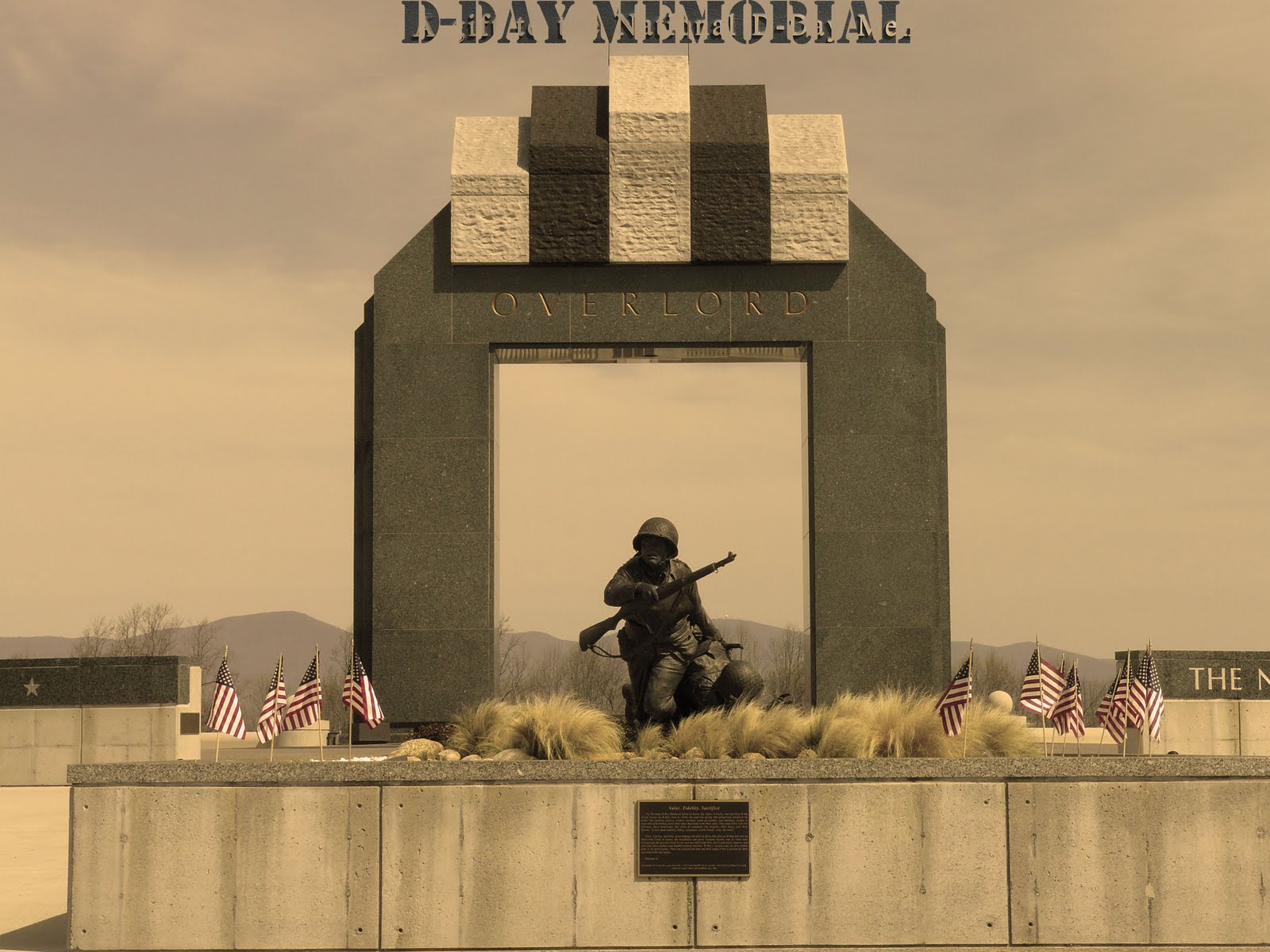
to the first photo i made it black and white and brought the color back in his arm then wrote some words on his arm. then for the next two photos i color corrected them and to one of them i added text. then to the last two i sepia toned the picture then added text for effect
Tuesday, May 3, 2011
collage

Gary Ortman
i chose to replicate Gray Ortmans dog fight over stormy seas with planes over Rome and a goose flying above them and I made it black and white and brought some of the color back to highlight cretin points of the picture.
portraits


Tuesday, April 26, 2011


Monday, April 25, 2011


Friday, April 15, 2011
favorite photographer
the photographer i choose was Matt Stuart because a lot of his photos are weird like me.
Wednesday, April 13, 2011

typography

Tuesday, March 29, 2011
midterm

Tuesday, March 8, 2011
kaleidoscope


Friday, March 4, 2011


Tuesday, February 22, 2011
change my look


Thursday, February 17, 2011
Layer mask

magic wand and selection


Monday, February 7, 2011
crazy combos

I made a cheaffieagler I took the parts of a tiger, cheetah, king cobra, eagle, and a giraffe and combianed them. the tools I used was the cloning tool to make it look like it was a part of it. I took the legs of a cheetah, the wings of an eagle, the head of a tiger, horns from an animal, and a king cobra for the tail and made a cheaffieagler.
All About Me

I made a group of pictures of what I like. I took all the pictures of what I like and put them on an orange background and sized them differently to show what I like the more then the others. I used the paint tool to create the german flag. I also used the selcetion tool to cut the pictures from their background.
Subscribe to:
Posts (Atom)